Release 1.0.7 of VectorEZ improves the vectorization on low resolution images quite significantly!
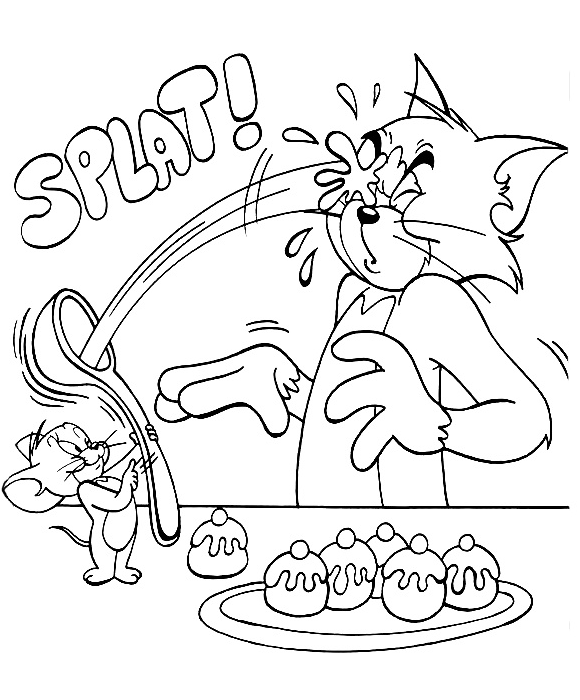
A new feature, upscaling, is showcased below. On the left-hand side, the vectorization of a pixelated image without upscaling. On the right-hand side, the vectorization of the same image with 2x upscaling. The source image is tom_and_jerry.png, 580x700 pixels in size.


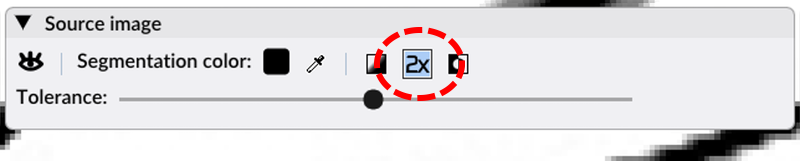
That new feature is available via the new upscale button on the image toolbar:
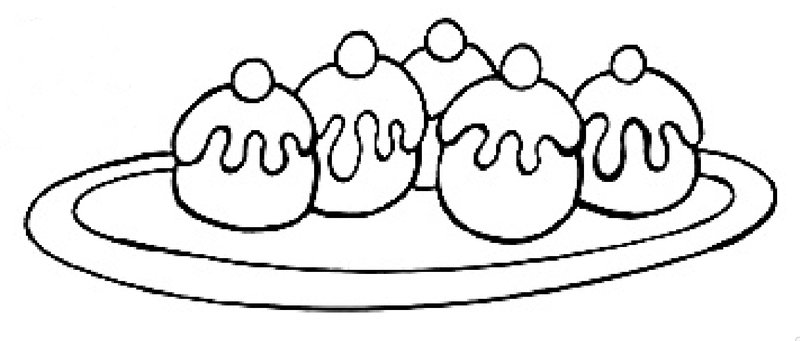
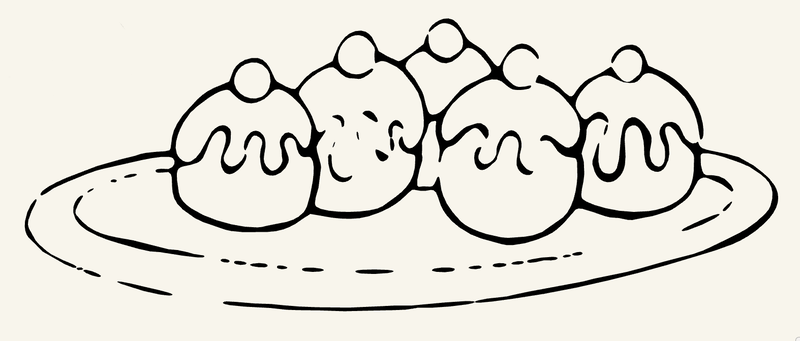
Below we show another comparison of the vectorization on a part of the source, the plate with the cakes, with and without upscaling:

To be honest, upscaling is so useful that we enable it by default for small images (< 1k)! On higher resolution images it is up to the user to enable it or not. The upscaling will impact the speed of the vectorization on high resolution images. Also, if you are vectorizing from a very high quality input (for instance, a 600dpi scanned image), it is likely that upscaling the source image won't impact the result significantly.
Check out the new version of VectorEZ today! Try the demo or buy the full product!