Release 1.0.12 of VectorEZ is available! It comes with a much better rendering of the vector contour!
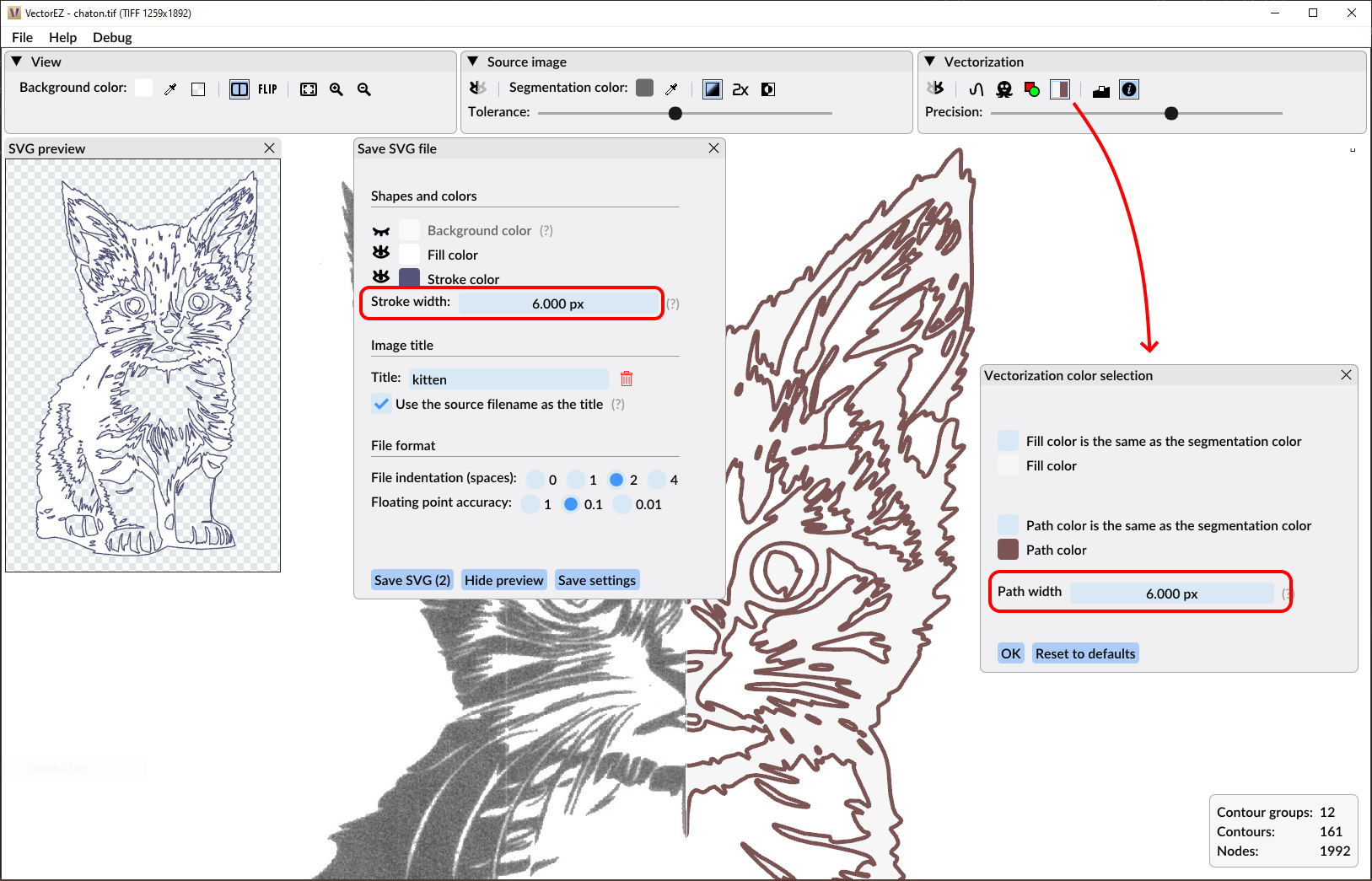
Up until now the contour path of the vectorization output was rendered as a simple curve line with no thickness. Meaning, it was always one pixel wide on the screen, no matter of the amount of zoom in the viewport. In the settings available before saving a file, the user could set the stroke width that would be used in the SVG file, but with a warning saying that the line thickness was not represented to scale in the application.
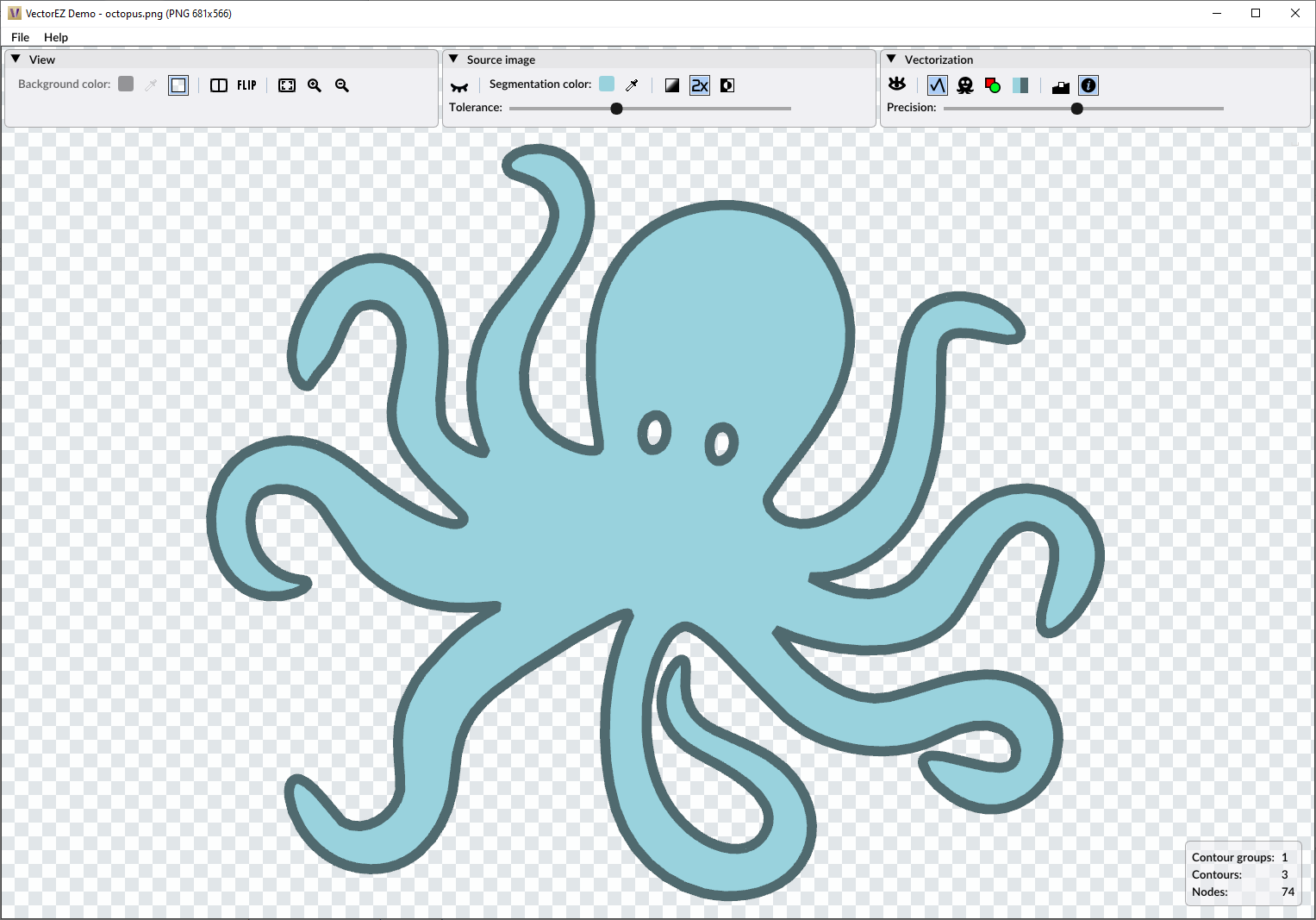
This is behind us now! The new version of VectorEZ renders the countour paths with accuracy. The line thickness can be set in the save preview settings, as before, and it can also be tuned in the Vectorization color selection window. The screenshot below will help you find those settings! And the rendering inside VectorEZ will match precisely the final result saved in SVG format!
Check out the new version of VectorEZ right away: Try the demo or buy the full product!